GINT (Receive text + Keyboard)
It is a software keyboard application dedicated to receiving text sent from GINS.
You can use wherever you enter text anywhere, such as your favorite editor and mail.
Rely all the text input to GINS, GINT arranges only several keys to help editing. You can use the screen widely.
Easy to fine-tune selection range with shift lock. It is possible to enter double-byte spaces and tabs. You can also page up / down or move to the beginning / end.
| Details | Google Play | |
|---|---|---|
| NoAds Paid Edition | Free edition with advertisement | |
 | ||
 | ||
Demo movie
Summary
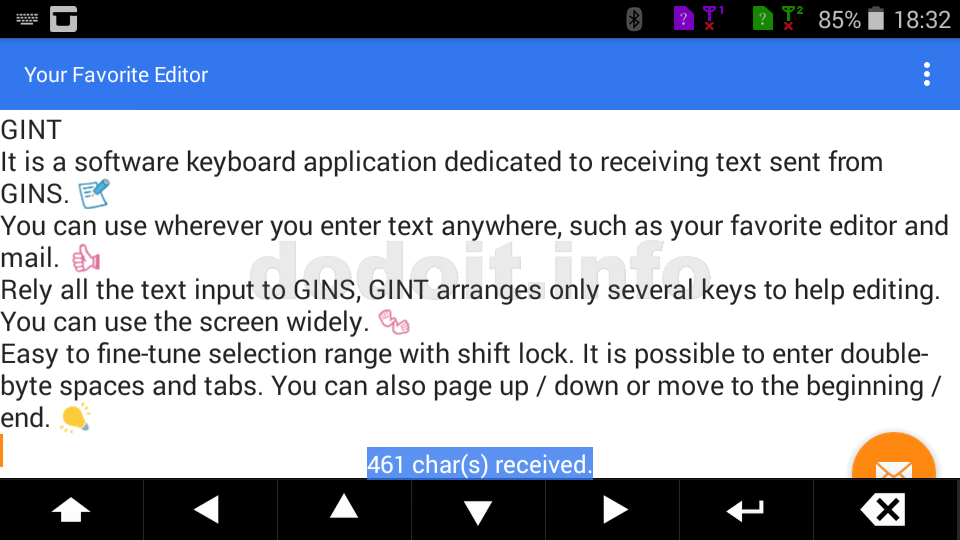
The screen can be widely used!
The biggest feature of the GINT keyboard is that it saves space.
By leaving all of the text input to GINS, you can use the edit screen on the GINT side extensively. Of course, because candidates etc are not displayed, it will be released also from the troublesome change such as expansion and narrowing of the editing screen.
Useful edit keys
Even if you use an external keyboard, in the case of Android you will frequently touch the screen.
If it is, I will carefully pick up a nice key and equip it. GINT was designed with that idea.
Fine adjustment of range selection is quite troublesome in editing work on Android. Therefore, GINT is equipped with a shift lock key and cursor keys.
In addition, GINT is equipped with the Enter key and BackSpace key.
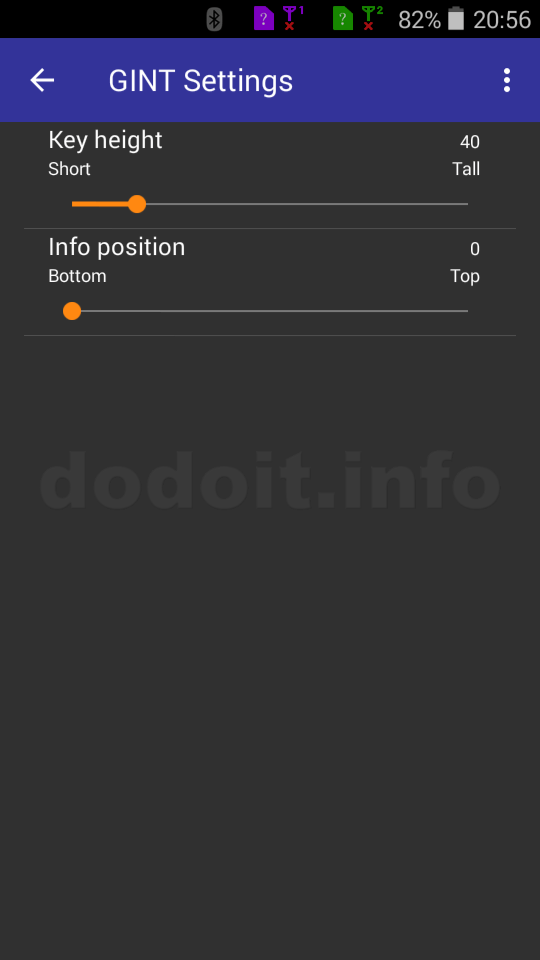
It is possible to adjust the key height to some extent.

In addition, if you press and hold these keys for a while, the extra keys appears. The frequency of use is not that high, but there are useful keys comes out.
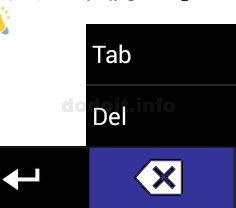
Different extra keys will appear for each key. The list is shown in the image below.

GINT is also equipped with Del key and Tab key which are hard to enter with Android soft keyboard. Space can also be entered in both full-width and half-width.
Please try "BT_Restart" when communication is bad. It will turn Bluetooth off once and turn it on again.
Reception result displaying
A message will be displayed when GINT receives text. (You can adjust the displaying position to some extent.)

Even if communication fails
In order to make the communication successful,
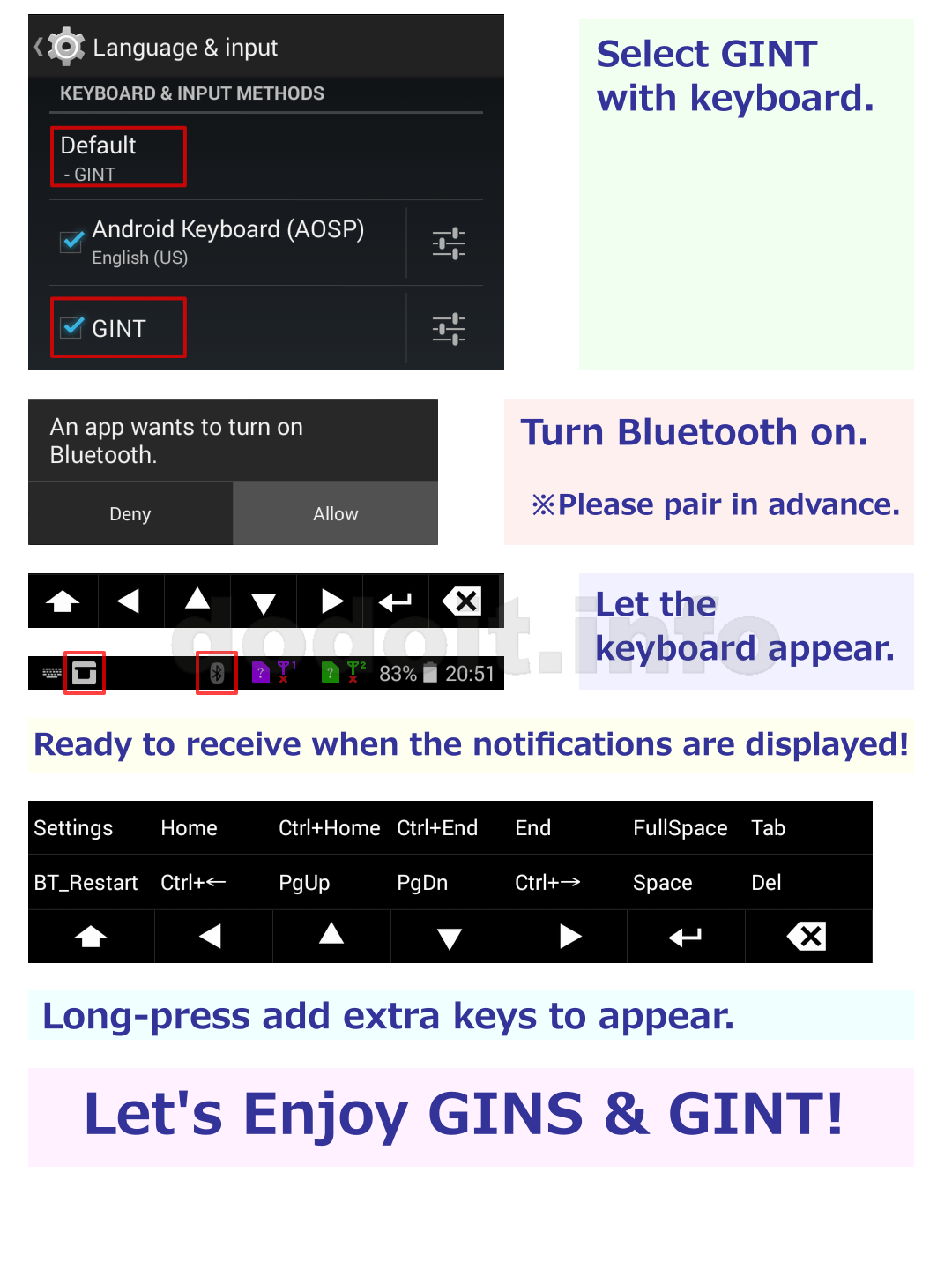
- Both Bluetooth are on.
- Both Androids are paired.
- The GINT keyboard with receiver's side is displayed and it is in the reception standby state.
- You have specified the destination correctly in GINS.
Above conditions are mandatory.
Conversely, if at least one condition is lacking, communication will not succeed. Thus, due to the nature of the applications, communication will often fails than you thought.
In order to make it easier to grasp the situation as much as possible, GINT displays a message even when a failure occurs.
Below is an example of a message displayed when a failure occurs.

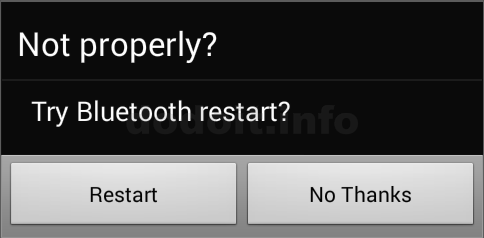
GINT always listens for communication from GINS while the keyboard is displayed. GINS, which is the sender, is more likely to detect communication failure, but most of the reasons may be that the GINT side is not ready to receive it.
When your condition is bad
First of all, please try hide the GINT keyboard once and put it out again.
(Although the OS returns preparation ready for reception to the application, it may fall into a situation of no response even if you send it. Although it depends on performance and environment, it becomes more likely to occur as the frequency of transmission increases.)
If it still does not work, try restarting Bluetooth.
(turn it off once and turn it on again.)
It would be better to restart both Bluetooth if possible.
Settings screen